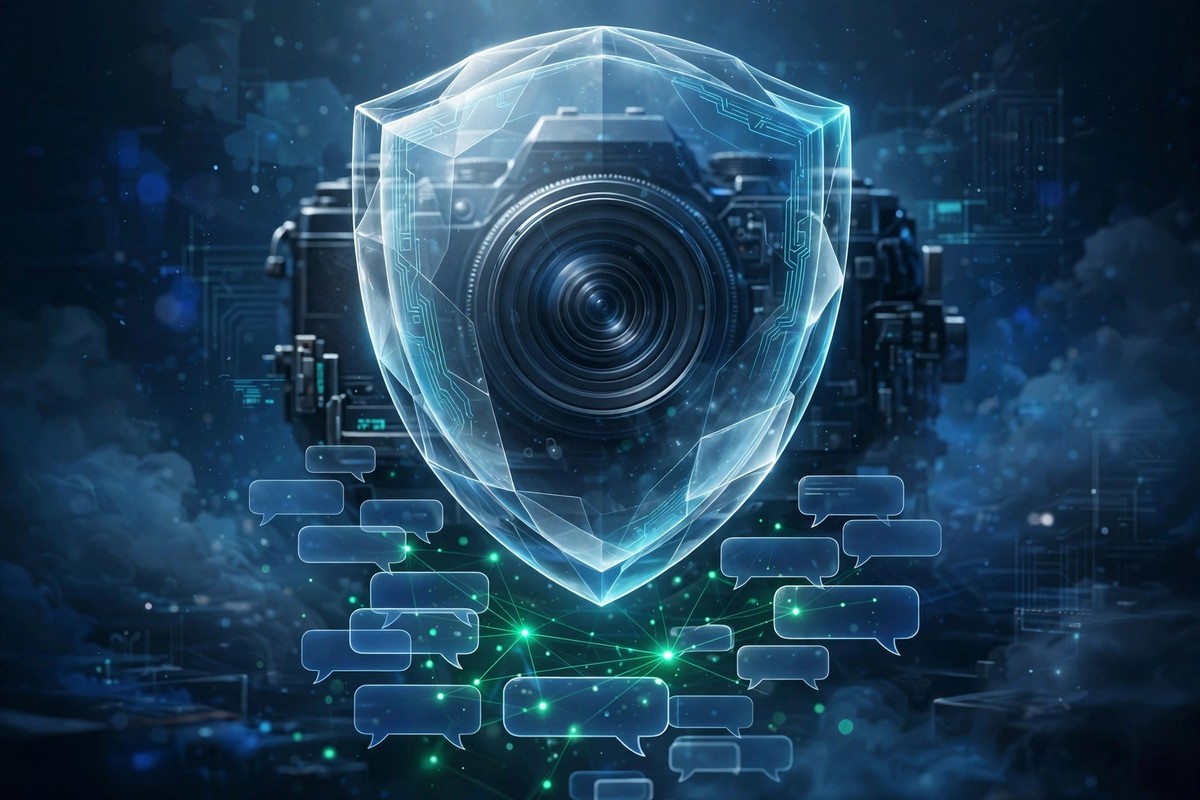
Most messengers let someone screenshot your chat in total silence. You send a photo, a private message, a voice note — and you never know if the other person captured it. SecXChat is different: if someone screenshots your chat or records the screen, you get an alert inside the chat. It is one of the app's clearest privacy protections, and it works quietly in the background from the moment you start chatting.
Here is how the alerts work, what they cover, and the honest limits you should know.
What happens when someone screenshots your chat?
The moment a screenshot is taken inside a SecXChat chat, an alert appears in that chat for both people to see. It is not a hidden log or a setting buried in a menu — it is a visible note in the conversation itself, with the time it happened. The person who took the screenshot knows you can see it, and you know it happened. That visibility is the whole point: it changes behaviour before anything is shared further.
The same applies to screen recording. If someone starts recording their screen while your chat is open, you get an alert — and the alert still arrives even if the screen is blocked or black. Recordings are tracked in segments too: if someone opens your chat, records for a while, closes it and opens another chat, each segment gets its own alert with its own start and end time. Switching chats does not hide the recording.
Why do alerts matter?
A screenshot is not just a picture — it is a copy of your words that can travel anywhere: another chat, another app, a public post. You cannot stop someone from taking one, but knowing about it changes everything. You can ask them to delete it, you can stop sharing sensitive things with that person, and you have a record if the image appears somewhere it should not. Without an alert, you would never even know to ask.
This is also why SecXChat pairs alerts with view-once media. Send a sensitive photo as view-once and it burns after opening — it cannot sit in someone's gallery waiting to be forwarded. If they screenshot it before it burns, the alert tells you. The two features work as a pair: one limits how long a photo exists, the other tells you if someone tried to keep it. See our guides to view-once media and to what to do if a photo is shared without permission.
What do alerts not cover?
Honesty matters here, and SecXChat is honest about the limit: no app can stop a determined person from photographing a screen with a second phone or a camera. That is true of every messenger on earth. Alerts catch screenshots and recordings made on the device itself — the methods almost everyone actually uses — and they make the attempt visible. A second camera is the one gap no software can close, which is why the real rule never changes: share personal photos only with people you truly trust.
Alerts also cover the chat itself, not everything on the phone. A screenshot of your home screen, or of another app, is not your chat and does not trigger an alert. The protection is aimed exactly where it should be: your conversations.
Do alerts work in groups too?
Yes. Alerts appear in the group chat where the screenshot or recording happened, so the whole group can see it. That matters, because a group screenshot can spread faster than a one-to-one one. If someone in a group captures a message, the group knows — and the group's admins can act on it, including removing the person if the group has rules against it.
How alerts fit with the rest of SecXChat privacy
Alerts are one layer, not the whole wall. The full picture is: private conversations are end-to-end encrypted, and message contents are not stored in readable form on our servers. View-once photos, videos and voice notes delete themselves after a single open. Delete for everyone replaces a message with a simple "This message was deleted" note on both sides. App PIN lock keeps your chats safe if someone borrows your phone. Block and report are one tap away in every chat. Read the full picture in our privacy and safety guide.
Should you change any setting?
No. Screenshot and screen-recording alerts are on by default — there is nothing to enable and nothing to remember. The one choice you do have is about screen recording itself: an admin option can make the screen go black in recordings, but it is off by default, so recordings proceed normally and still trigger the alert. You do not need to touch it unless you want that extra layer.
The short version
SecXChat alerts you inside the chat when someone screenshots it or records the screen — even if the screen is blocked, and in segments if they switch chats. Pair it with view-once media for the strongest protection, and remember the one honest limit: no app can stop a second camera. Share personal photos only with people you trust, and let the alerts watch the rest.