
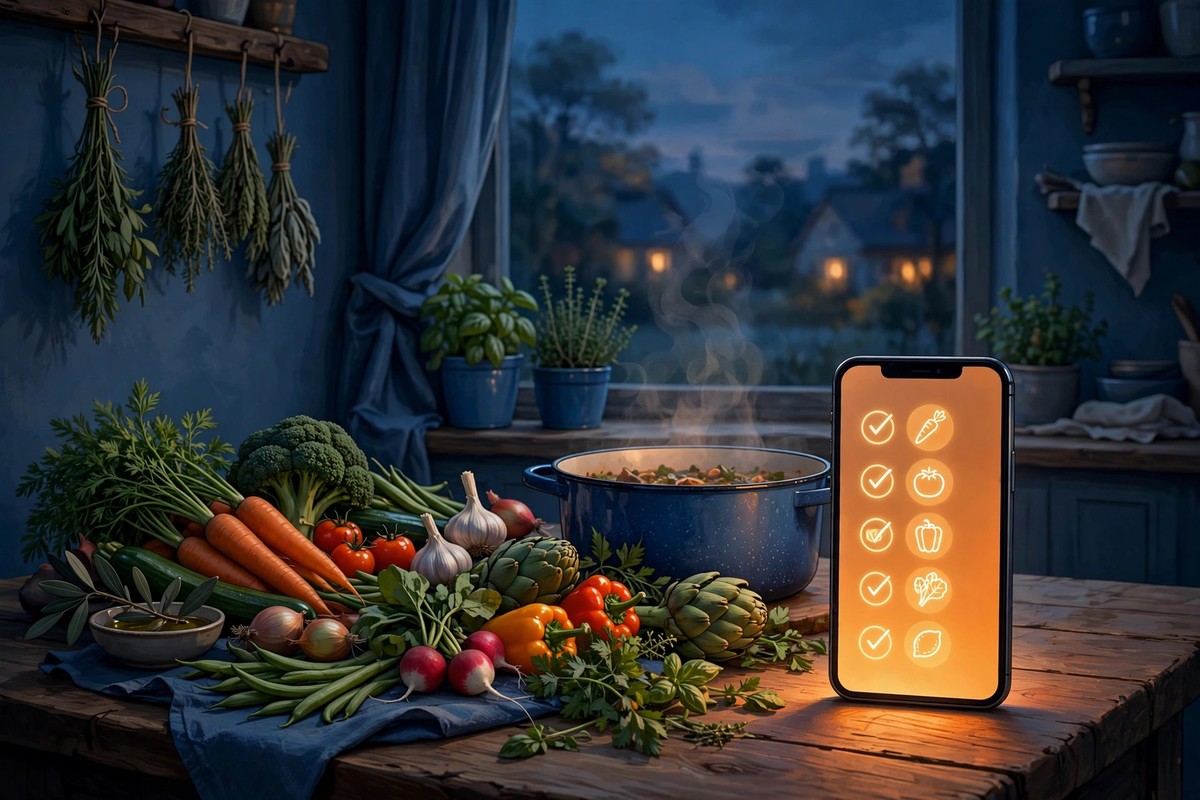
What is for dinner tonight? It is a simple question asked in almost every home, almost every day — and it causes a surprising amount of friction. One person does the shopping, another cooks, someone else has a late meeting, and nobody wrote anything down. The answer is not a fancier system. It is one shared place where the week's meals, the shopping list and the leftovers all live together. One SecXChat group for the household does exactly that, and this post shows how to set it up.
How does one kitchen group organise the whole week?
Start with a single group for the household — everyone who eats, shops or cooks. The group becomes the kitchen's noticeboard. The weekly menu is posted there on the same day each week, the shopping list lives there, and the day-to-day questions — "do we have eggs?", "who is cooking tonight?" — get answered there instead of in five separate chats.
When the menu is in the group, nobody has to ask what is planned. When the shopping list is in the group, anyone passing a shop can pick up what is missing. The kitchen stops depending on one person's memory and starts running on a list everyone can see.
What goes on the pinned menu and shopping list?
Pin two messages at the top of the group. The first is the weekly menu: one line per day, with the dish and who is cooking it. The second is the shopping list: the things to buy, with items crossed off as they are bought. When the menu changes — a late meeting, a guest coming over, a dish swapped for leftovers — edit the pinned message, so there is only ever one current version.
Keeping the list pinned matters more than it sounds. A shopping list buried under a day of chat is a list nobody checks. A pinned list is always two taps away, in the shop, with the trolley, when it is needed. And because the list is in the group, anyone can add to it. The person who notices the milk is finished adds it on the spot, instead of hoping someone else remembers.
How do photos of the fridge help?
A photo is worth more than a description when the question is "what do we have?" A quick photo of the fridge shelves, or of the cupboard, posted to the group tells the shopper everything in one glance. No more buying a third bottle of the same sauce, no more guessing whether there are enough eggs for breakfast.
Photos work the same way for meals themselves. A photo of last night's dinner, posted with a note — "this one worked, make it again" — becomes the family's shared memory of what everyone liked. Over weeks, those photos build into a shared record of the household's favourite dishes, and the next weekly menu practically writes itself.
How can the AI assistant help with meals?
Some weeks the hardest part is not the shopping or the cooking. It is thinking of what to make. SecXChat's built-in AI assistant can help here — the AI assistant guide explains what it can do: ask it for meal ideas from what is already in the fridge, ask it to turn a rough list of ingredients into a simple plan for the week, or ask it to help draft the shopping list from the menu. It can also find an old message — the recipe someone sent three months ago, or the dish the family liked last time — so a good idea is never lost in the scroll.
But for the weekly "what should we eat?" question, a few fresh ideas at the right moment can break the routine of cooking the same five dishes on rotation.
What about reminders and leftovers?
Meal planning has quick timed jobs: take the meat out of the freezer, start the rice, use the leftovers before they spoil. SecXChat's message reminders handle these without anyone having to remember them. Set a reminder on the message that says "take the chicken out at noon" — the reminders guide shows how — and the app brings it back at the right time.
Leftovers deserve a line in the group too. A quick message — "leftover curry in the fridge, good for lunch" — stops food being forgotten and thrown away. A household that tracks its leftovers wastes less and spends less.
How do statuses fit in?
Voice status adds a light layer to the kitchen group. A voice status — "making soup tonight, come hungry" — gathers the household without a formal announcement, and a status photo of the market's fresh vegetables can start the dinner conversation early.
The short version
One SecXChat group for the household, a pinned weekly menu and a pinned shopping list, photos of the fridge when it matters, the AI assistant for ideas and old recipes, and message reminders for the timed jobs. That is the whole system — no new app, no printed chart on the fridge, just the chat the family already opens every day, doing one more useful job. Download SecXChat free from the download page and start this week's menu tonight. Private conversations are end-to-end encrypted — message contents are not stored in readable form on our servers.