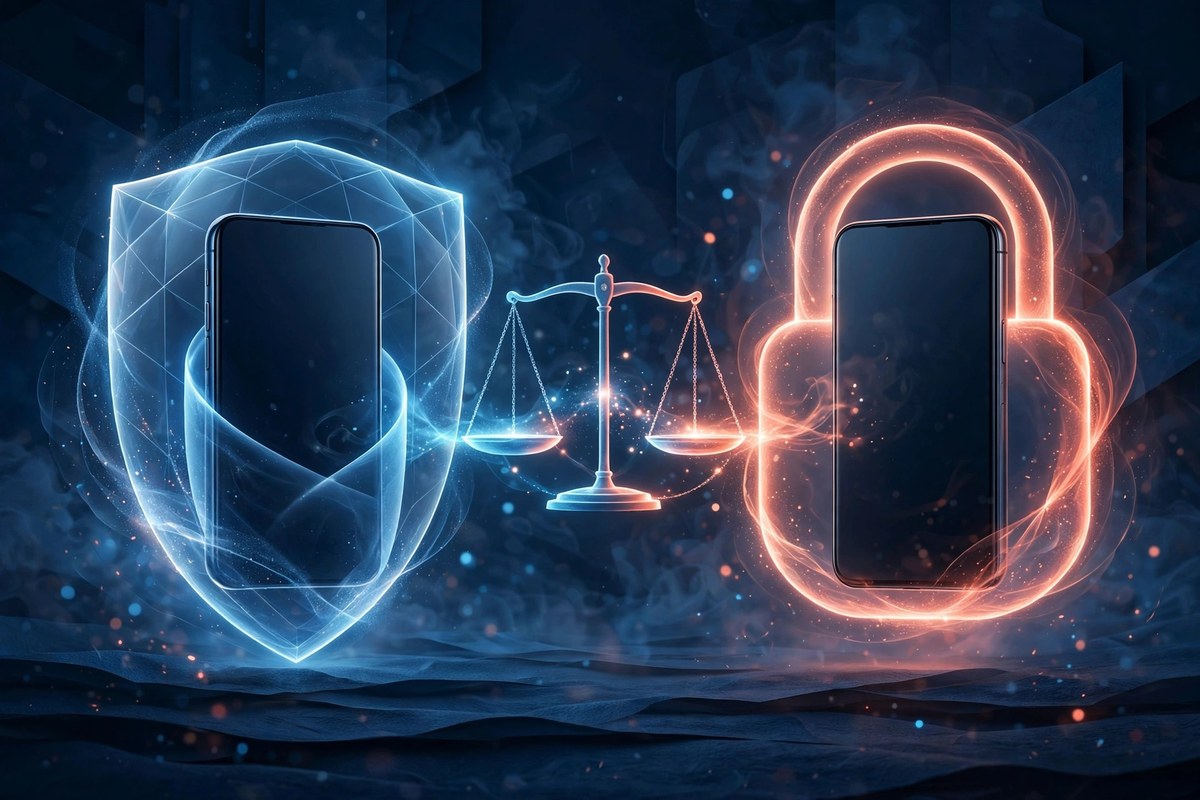
Privacy is the first thing people ask about when they compare messengers, and the hardest to compare honestly. Every app says it cares about privacy — the real question is what each one actually does. This is a fair, feature-by-feature comparison of SecXChat and WhatsApp. Where WhatsApp is stronger, this post says so.
The honest headline
WhatsApp encrypts your chats end-to-end by default. That is its strongest privacy card: messages are scrambled on the sender's phone and unscrambled on the receiver's, so they cannot be read in transit. SecXChat protects your chats differently — with encrypted storage on your device and a set of controls around the conversation itself. The two apps are not selling the same kind of privacy. WhatsApp's strength is the encryption of the message in flight. SecXChat's strength is what happens around the message: who can see it after it arrives, how long it lives, and what you can do when something goes wrong.
Screenshot alerts
This is the clearest difference between the two. SecXChat warns you when someone takes a screenshot or a screen recording of your chat — even if the screen was blocked or black. WhatsApp blocks screenshots only for view-once media, with no general screenshot alert for ordinary chats. If knowing that someone captured your conversation matters to you, SecXChat is the stronger app here, and it is not close.
View-once media
Both apps let you send a photo or video that disappears after one open. On SecXChat, view-once covers photos, videos and voice notes, and the media burns after a single open. WhatsApp's view-once covers photos and videos. The idea is the same — send something sensitive without leaving a permanent copy — but SecXChat extends it to voice notes as well, and pairs it with the screenshot alert, so a view-once photo that someone tries to capture still leaves a trace.
Delete for everyone
Both apps let you delete a message for everyone after sending it. On SecXChat, both sides then see only "This message was deleted" — the original is kept only in a sealed archive on the server that can never be served. WhatsApp's version works the same way on the surface, with a time limit. The habit matters more than the app: if you regret a message, delete it at once — the longer it sits, the more likely someone has already seen it.
Locking the app
SecXChat has a built-in app PIN: a code that locks the whole app, so anyone who picks up your phone still cannot open your chats. WhatsApp relies on your phone's own lock — fingerprint or face — through its app-lock setting, which is solid but depends on the phone. A PIN inside the app works the same on every phone, including older ones. If you share a phone, or hand it to a child, an app-level lock is the feature that protects your chats in that moment.
Backup and your data
Your chat backup is where the two apps differ most. SecXChat gives you 20 GB of chat backup free, or 100 GB with SecXChat Verified, on a schedule you choose — hourly, daily, weekly or monthly — plus a "Back up now" button, and the backup restores your chats on a new phone. WhatsApp backs up to your Google account, which counts against your Google storage. Neither app sells your data, but the backup question is worth asking of any messenger: where do my chats go when they leave my phone, and who controls that place?
Sign-up: what each app asks for
SecXChat signs you up with just your phone number and a one-time code — no password to choose, no email to hand over, nothing to leak later. WhatsApp also uses a phone number, but it lives inside a much larger company, and its account is tied to the rest of that company's world. If you want your messaging separate from everything else, the smaller footprint matters.
Comparison table
| Privacy feature | SecXChat | |
|---|---|---|
| Screenshot alerts in chats | Yes — screenshot and screen-recording alerts | Only view-once media blocked, no chat alerts |
| View-once media | Photos, videos and voice notes | Photos and videos |
| Delete for everyone | Yes, both sides see only "This message was deleted" | Yes, with a time limit |
| App lock | Built-in app PIN | Phone fingerprint/face via app lock |
| Chat backup | 20 GB free / 100 GB Verified, scheduled | Google account storage |
| Sign-up | Phone number + one-time code, no password or email | Phone number |
| Message encryption in transit | End-to-end encrypted (private conversations) | End-to-end encrypted by default |
Which one should you choose?
Choose WhatsApp if your whole world is already there and the default encryption of every message is the one thing you care about most — that is a fair reason. Choose SecXChat if you want more control over what happens after a message arrives: to know when someone screenshots your chat, to send voice notes that burn after one listen, to lock the app behind its own PIN, and to keep your backup on a schedule you chose. Privacy is not one feature; it is the sum of the small controls.