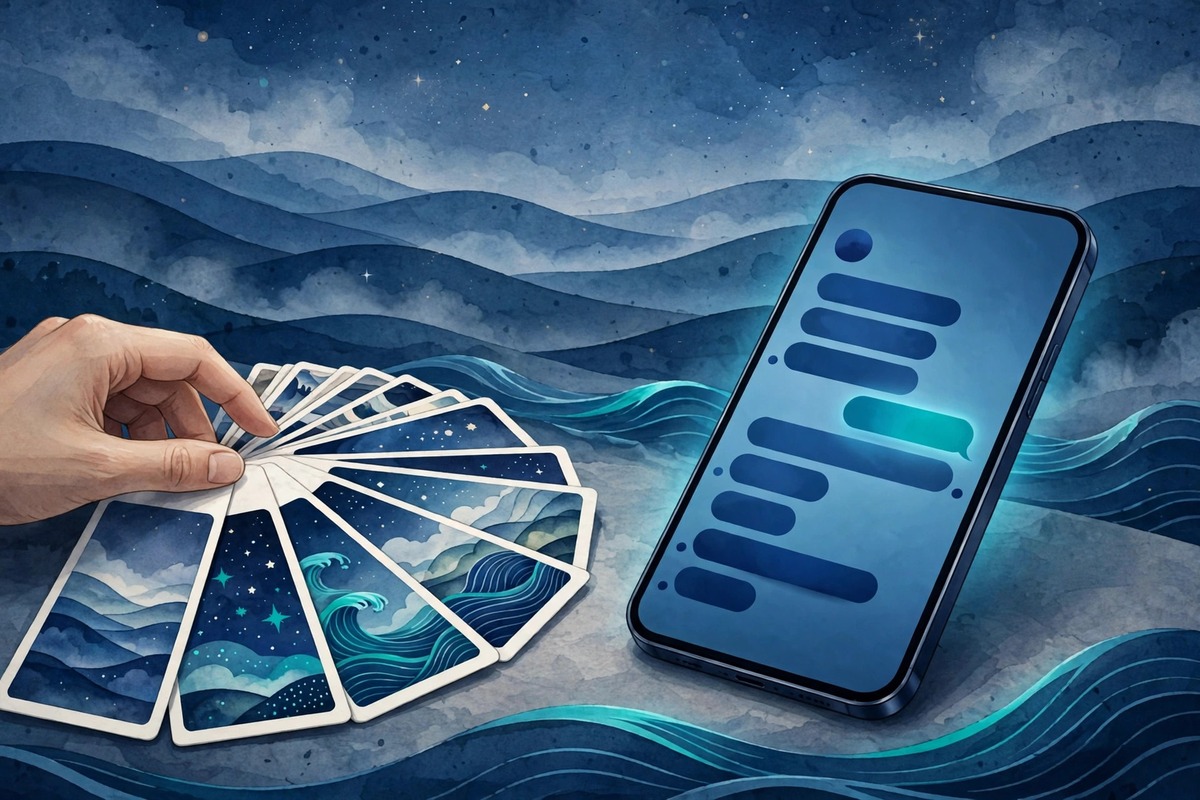
Your chats are the most-looked-at screen on your phone, so they should look like yours. SecXChat lets you change your chat wallpaper — the background behind your messages — choosing from built-in presets in Theme and Preferences. It takes less than a minute, it changes the feel of every conversation at once, and you can change it back just as easily whenever you like.
To change it, open SecXChat settings and go to Theme and Preferences, where the wallpaper choices live beside the theme and the app icon styles. The presets are there to browse: pick one, and your chats take on its look immediately — behind your messages, behind the bubbles, on every chat screen. There is nothing to download and nothing to set up; the wallpapers live inside the app, so they work even when you are offline, and they stay put when your connection drops. If the first one does not feel right, try another — changing a wallpaper is meant to be tried, not decided.
Why bother with a wallpaper at all? Because the background is the one thing you see in every chat, every day, and a background you like makes the app feel like yours instead of like everyone else's. A calm scene softens long evening conversations. A bright pattern makes a family group feel livelier. A dark, quiet background is easier on the eyes late at night, and it pairs well with the dark theme if that is how you use the app. None of this changes what your messages say — it changes how it feels to read them, and that feeling is the difference between an app you tolerate and an app you enjoy opening.
There is also a practical side to choosing well. The best wallpaper is one your messages stay readable against. A busy, high-contrast picture can fight with the text on top of it, especially in a bright room or on a small screen — the words get lost in the pattern, and you end up squinting at your own chats. The presets are made to avoid that: they keep the message area calm, so the bubbles and the text sit clearly on top. If you ever find a wallpaper hard to read, switch to a simpler one; readability is the test, and a wallpaper that fails it is not worth keeping, however pretty it looks at first glance.
Your wallpaper sits alongside the other ways SecXChat lets you make the app yours. The same Theme and Preferences screen holds the light and dark themes and the app icon styles — twelve of them — and the built-in keyboard has its own colours, so the typing experience matches the look you chose. Together they add up to an app that looks the way you want it to, from the icon on your home screen to the background behind your messages. None of it is required, and all of it is reversible; the point is that the choice is yours, not the app's.
If you share your phone with family, a wallpaper is also a small, friendly marker: your chats look like your chats, and nobody mistakes them for someone else's at a glance. And if you ever get tired of a look, the fix is the same as the first time — settings, Theme and Preferences, pick another preset, done. A messenger you open dozens of times a day should look like a place you like being. Take the minute, pick the wallpaper that feels right, and let your chats look like they belong to you.
The wallpaper also works best when it matches the rest of your setup. If you use the dark theme, a darker wallpaper keeps the whole screen calm at night, and the message bubbles sit comfortably against it; if you use the light theme, a brighter wallpaper makes daytime chats feel open and airy. The app icon you chose — one of the twelve styles — sets the tone on your home screen, and the wallpaper carries that tone inside the app, so the two halves of the experience agree with each other. The built-in keyboard has its own colours too, so the typing experience can match the look you chose instead of clashing with it. None of these choices affect your messages, your privacy or your data — they are purely about how the app feels in your hand. But feeling matters: the app you enjoy looking at is the app you open without thinking, and a messenger should be the easiest thing on your phone to open, not a chore you put off.